
The problem
If you're paid by the day, invoicing should be the easy part. In practice it means digging out last month's invoice, copying it, changing the dates, working out the total, saving a PDF and attaching it to an email. Usually on a Friday evening, usually a few days late.
Freelancers and sole traders don't need a full accounting system for this. They need to get from "the days I worked" to "invoice sent" without thinking about it.
What we built
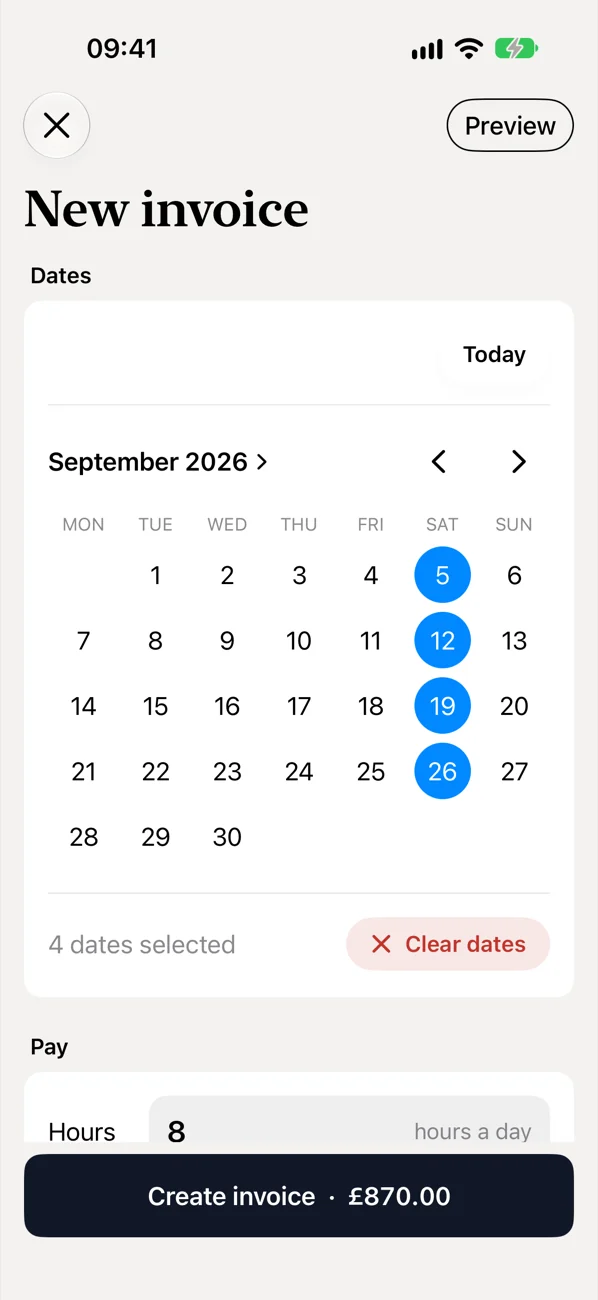
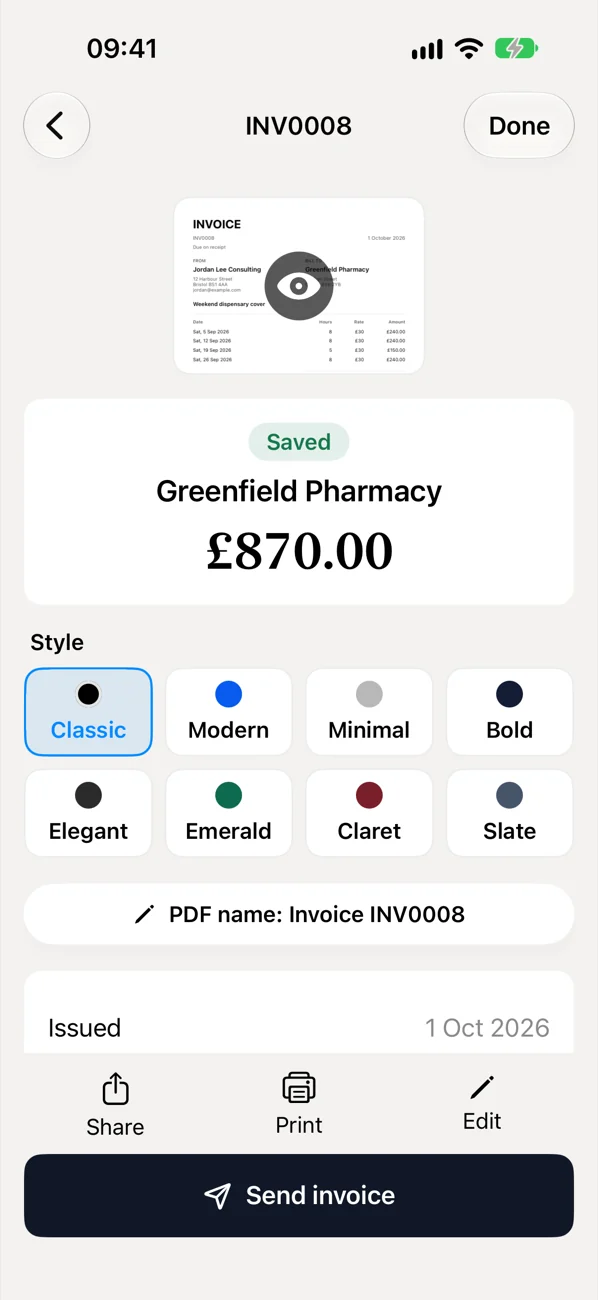
- Tap the days you worked on a calendar and choose the client. The total works itself out.
- Or just say it. Describe the work out loud and Invoice Drop fills the invoice in.
- A professional PDF in seconds, ready to send from your phone.
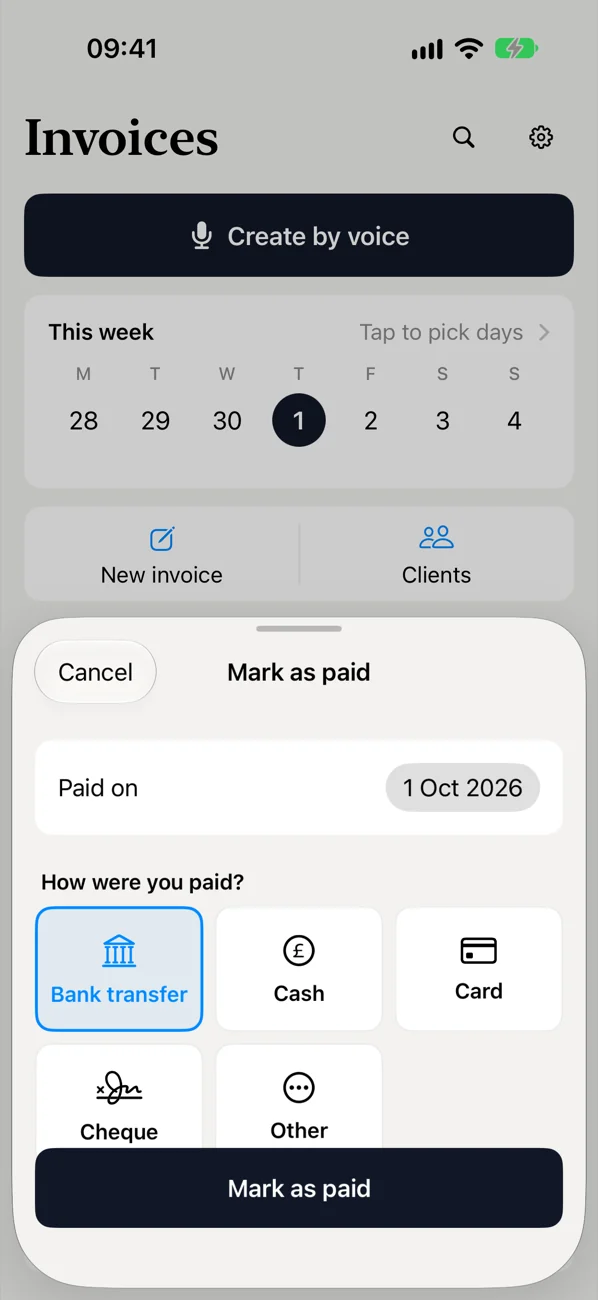
- See what's paid and what's outstanding, and mark invoices as paid when the money arrives.
- No account needed. It works straight away. You can choose to create an account to back up your invoices and use them on another device.
How we approached it
Invoice Drop went through the same four steps we use with every client.
- Understand the problem. Who invoices by the day, what they use today, and where it goes wrong.
- Plan the first version. One job done well: from days worked to invoice sent. Everything else could wait.
- Build and test. Working versions on a real iPhone at every step, refined until sending an invoice took seconds.
- Launch. Prepared for the App Store, with a website, support pages and a privacy policy. It's in App Store review now.
Why it matters for you
Invoice Drop is our own product, so we built it the way we'd build yours: start from a real, everyday problem, keep the first version focused, and make it feel simple for the person using it. If there's a task in your work that eats your evenings, the same approach applies.